v2.0 FileCura V2 is here — free download plus focused paid packs.
FileCura v2.0 — signed & notarised for macOS 14+

Smarter file workflows, right inside Finder.

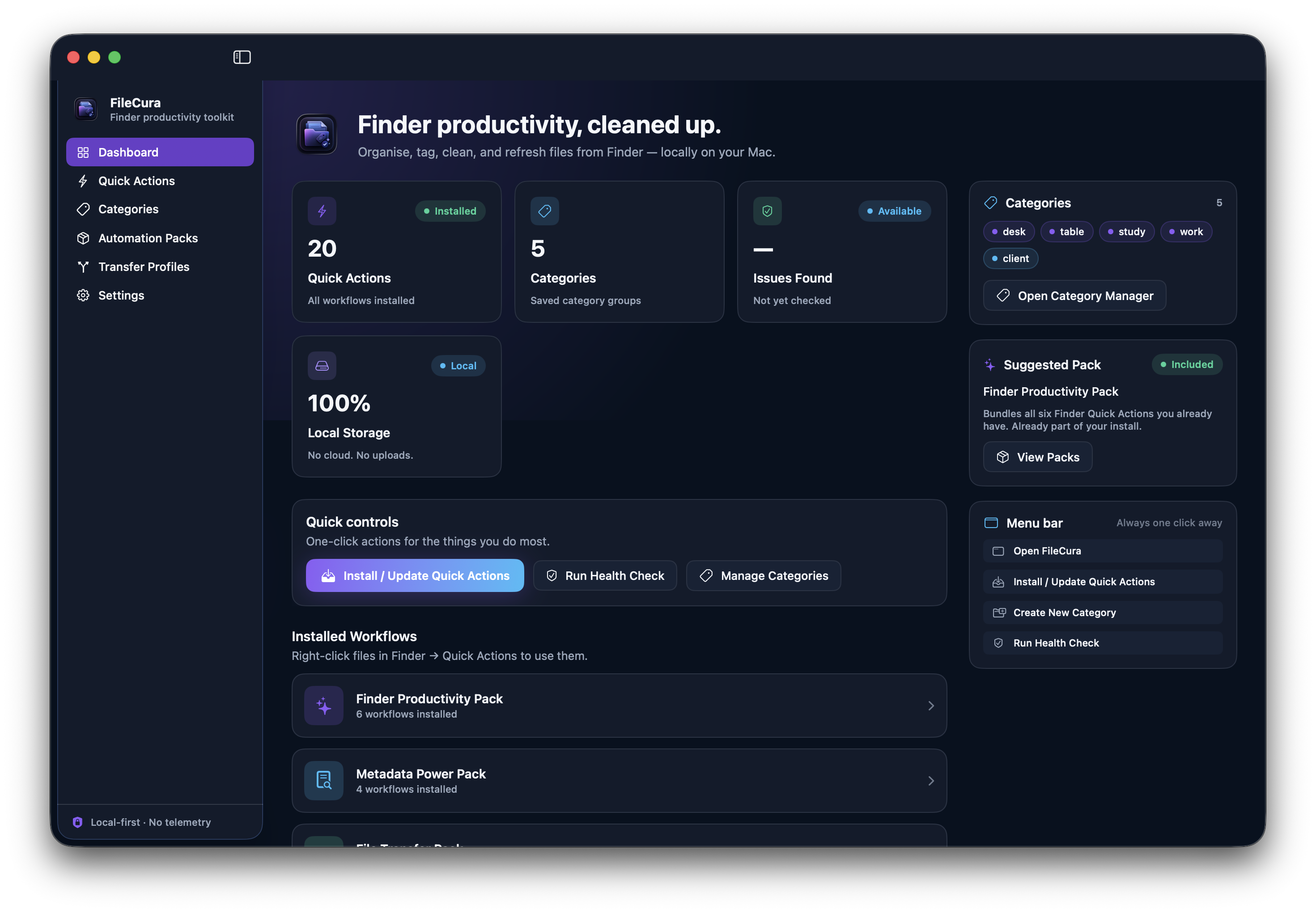
FileCura is a local-first Mac utility that installs Finder Quick Actions for organising, tagging, renaming, cleaning, and refreshing files — all from the right-click menu. Free app, paid packs for power-user workflows.

No cloud account required. No telemetry. No file uploads.

Release FileCura v2.0
Signing Signed & notarised
Privacy Local-first
Surface Finder Quick Actions

Built for people who live in Finder.

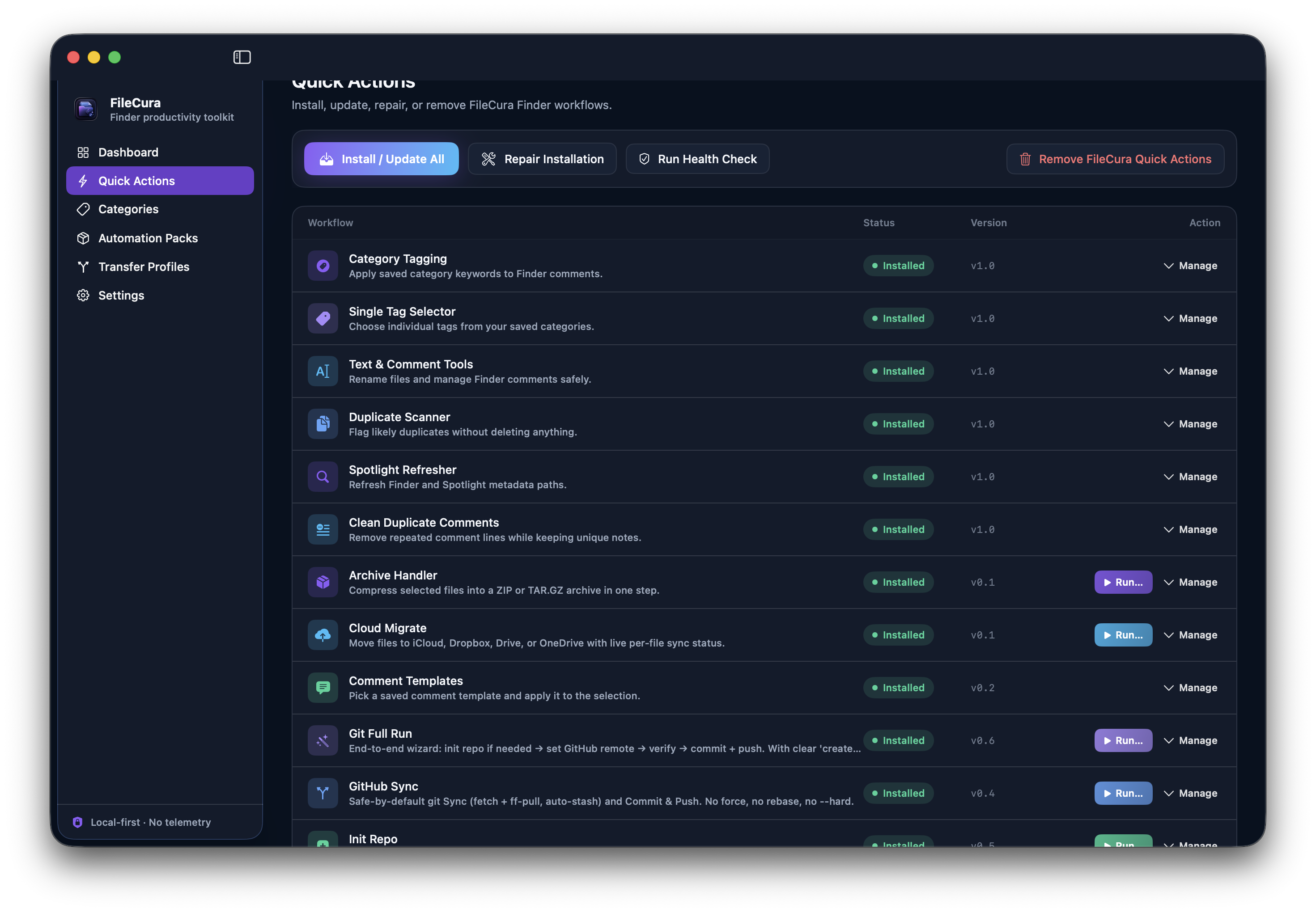
The free FileCura app ships with six Finder Quick Actions for the things you do most. No cloud, no document management system, no uploads.

Tagging

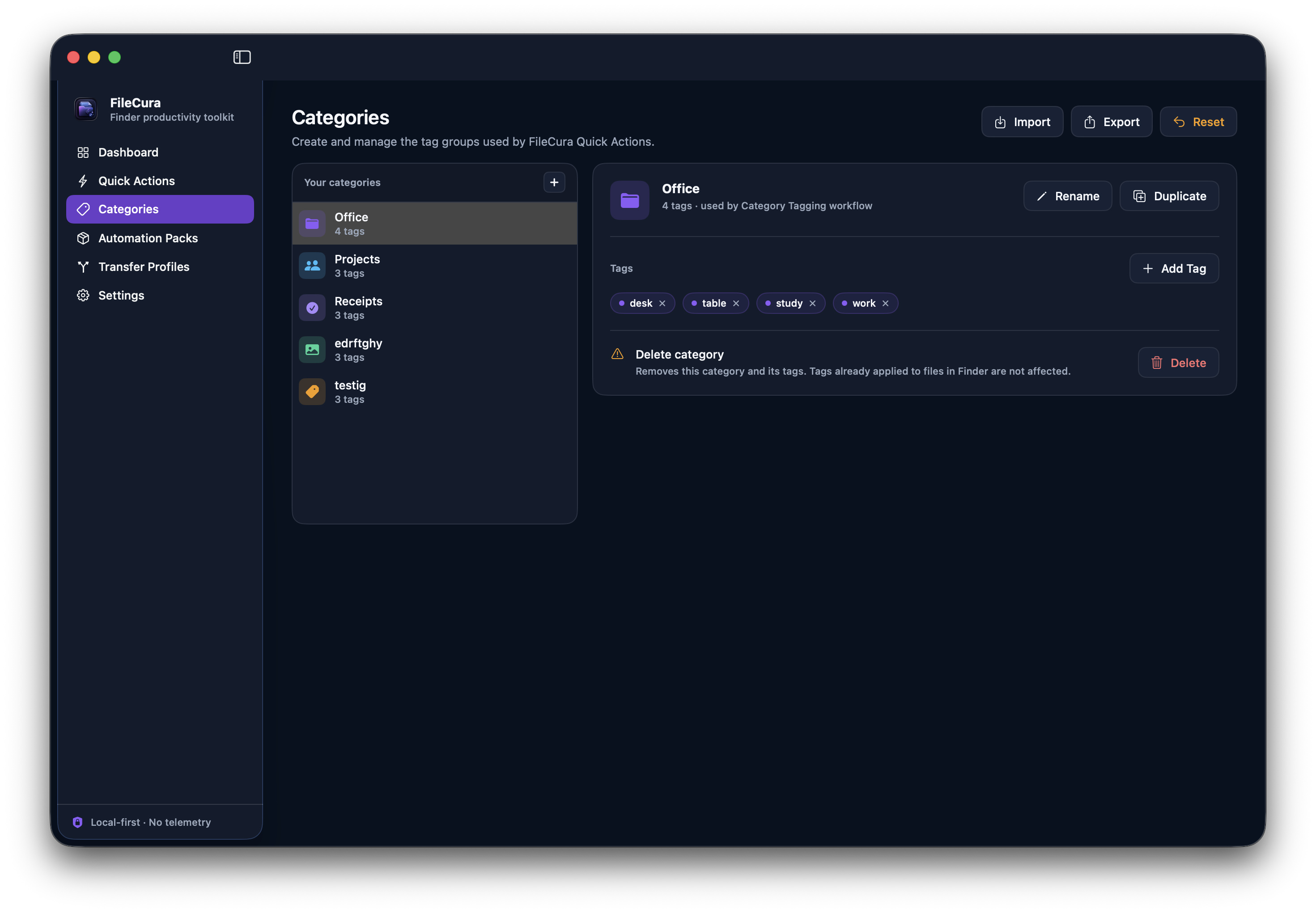
Category Tagging

Define your own tag groups and apply category keywords to Finder Comments and Spotlight metadata in one click.

Tagging

Single Tag Selector

Pick a single tag from your saved categories and apply it to one or many selected files at once.

Renaming

Text & Comment Tools

Add text before or after filenames, use separators, run find-and-replace, and edit Finder Comments in bulk.

Duplicates

Smart Duplicate Scanner

Flag likely duplicate files using metadata signals like name, size, and extension. Free, fast, no deletion.

Refresh

Spotlight Path Refresher

Refresh Spotlight and Finder metadata paths when comments or file metadata need a nudge after moves or renames.

Cleanup

Clean Duplicate Comments

Remove repeated Finder Comment lines so file metadata stays readable, useful, and small.

Packs add focused workflows on top.

Each pack is a one-time purchase. Lifetime license. License file arrives by email and unlocks the workflows inside FileCura. See all packs →

Pack 01 · £9 one-time

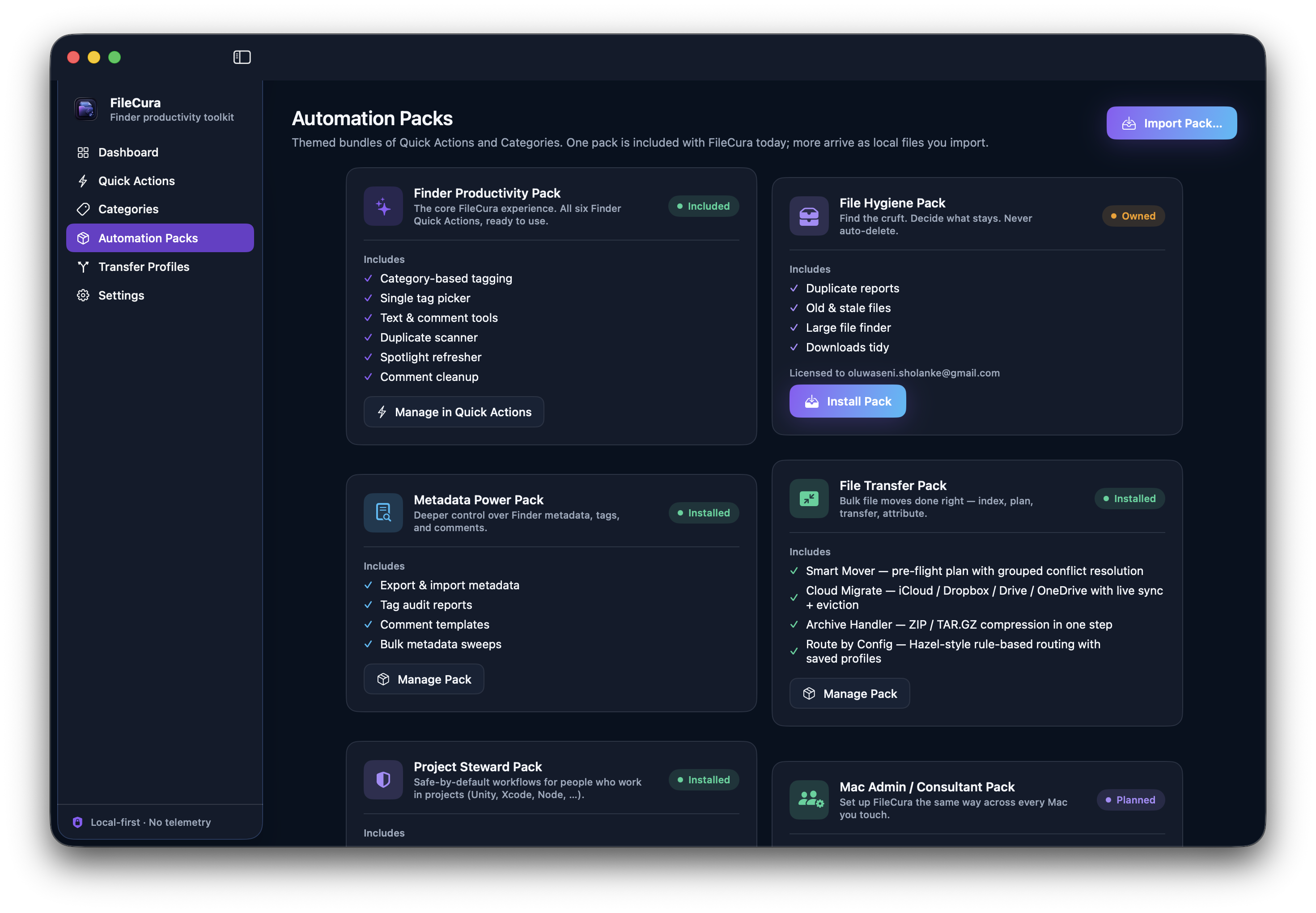
File Hygiene Pack

Find duplicate files, stale files, space hogs, and Downloads clutter. Every workflow produces a review report — FileCura never auto-deletes.

  • Duplicate Reports
  • Old & Stale Files
  • Large File Finder
  • Downloads Tidy
View File Hygiene Pack
Pack 02 · £9 one-time

Metadata Power Pack

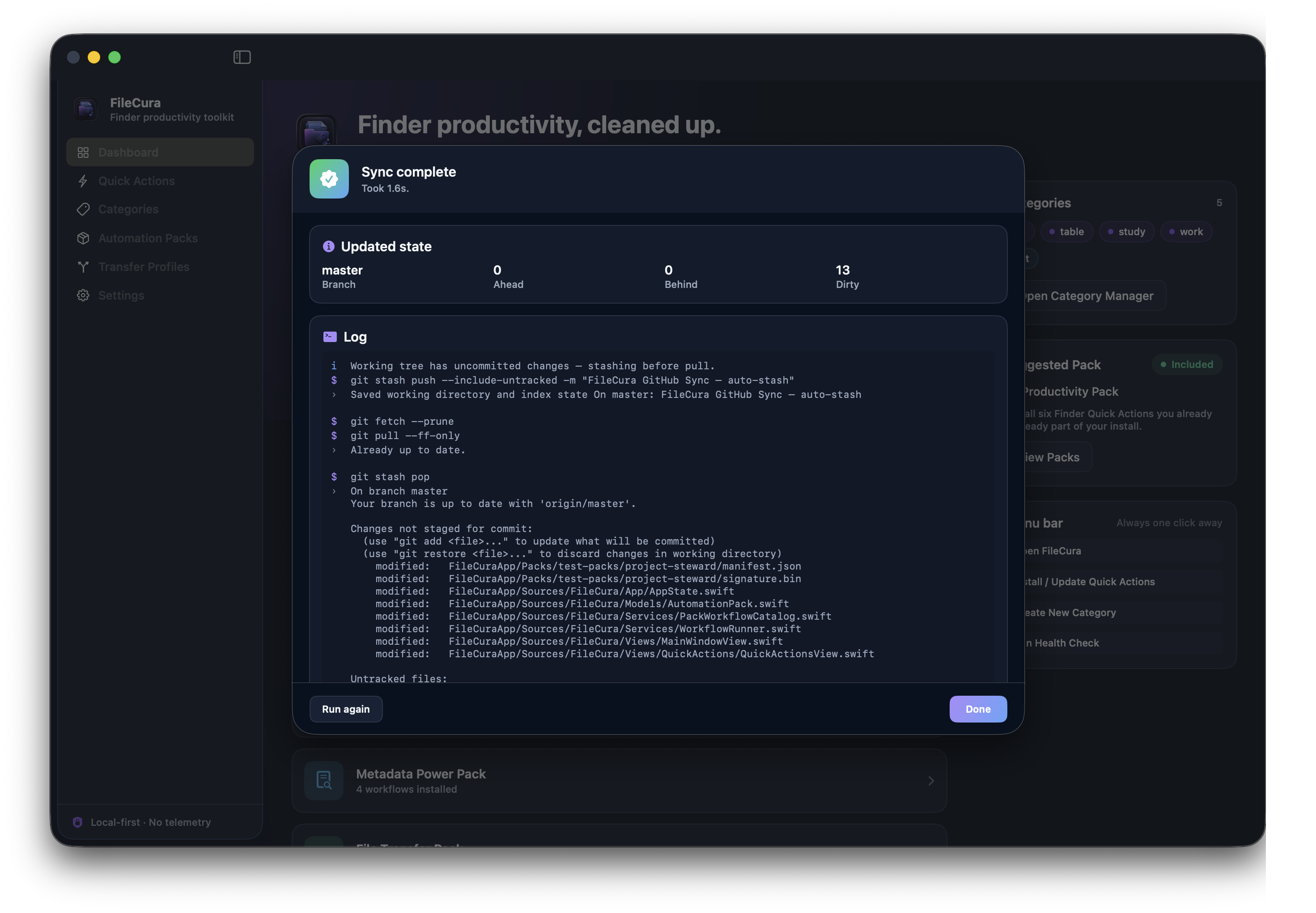
Export, import, and audit Finder tags + comments at scale. Built for power users who treat Finder metadata like a database.

  • Metadata Export (CSV)
  • Metadata Import (CSV)
  • Tag Audit
  • Comment Templates
View Metadata Power Pack
Pack 03 · £25 one-time

File Transfer Pack

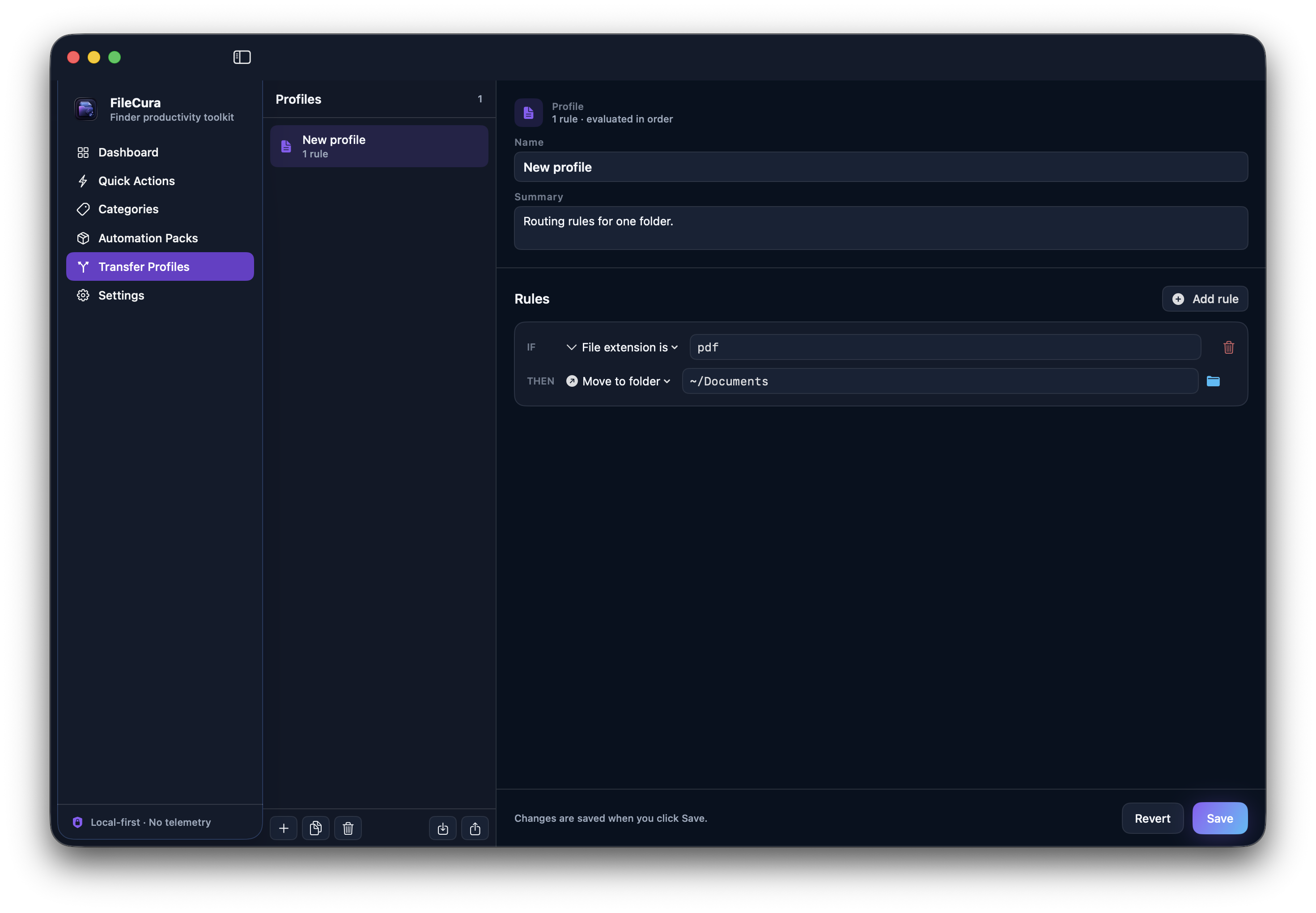
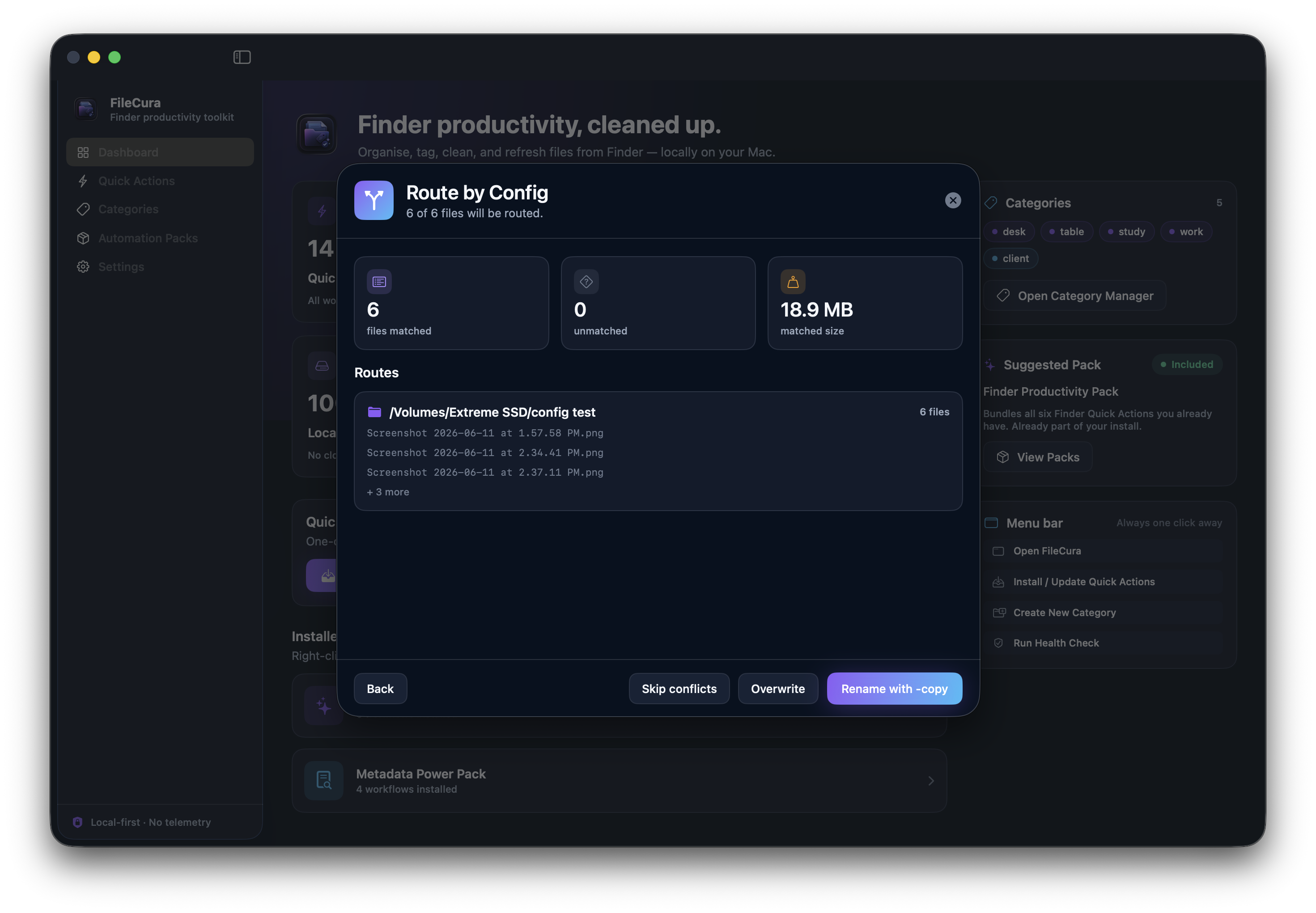
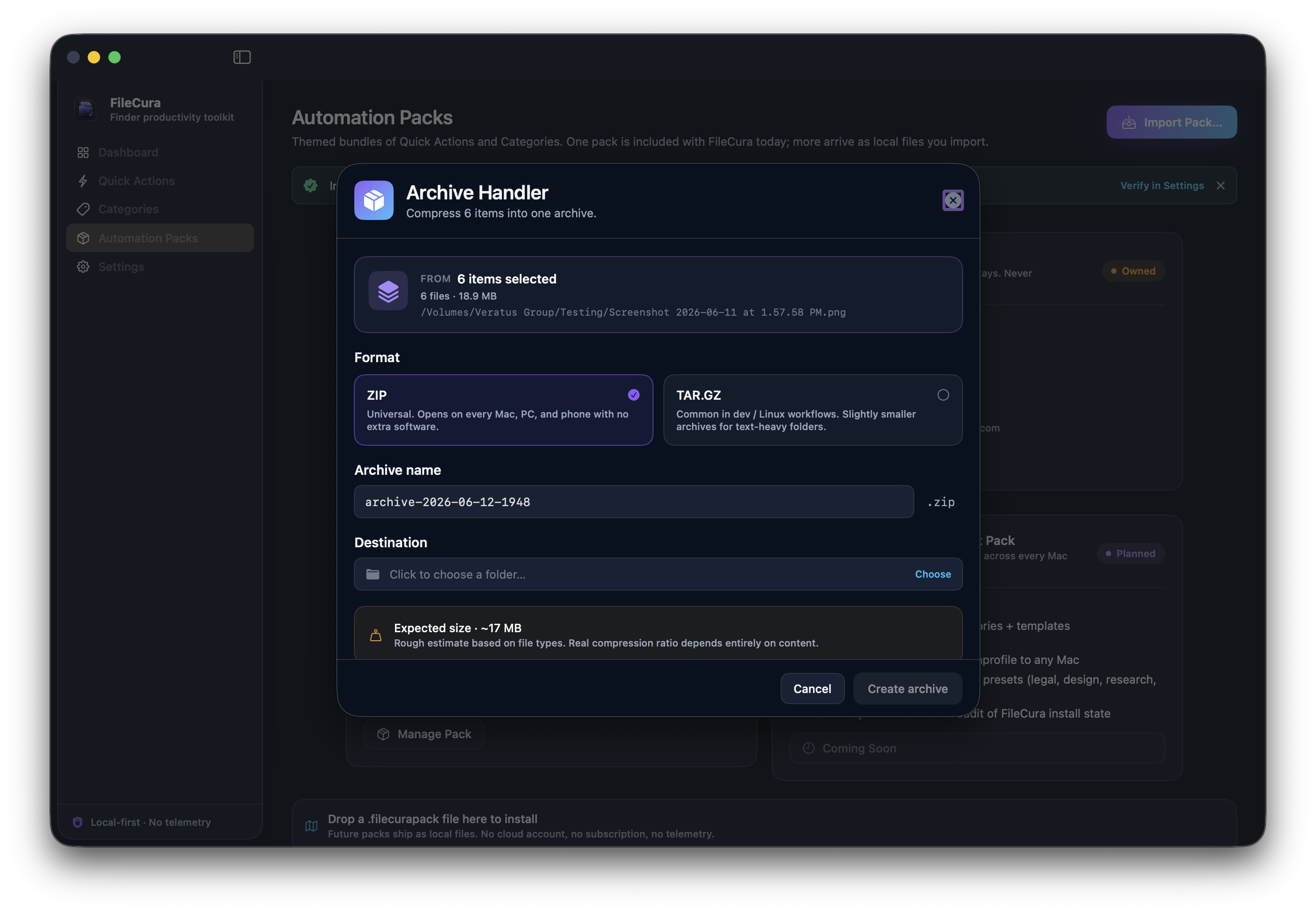
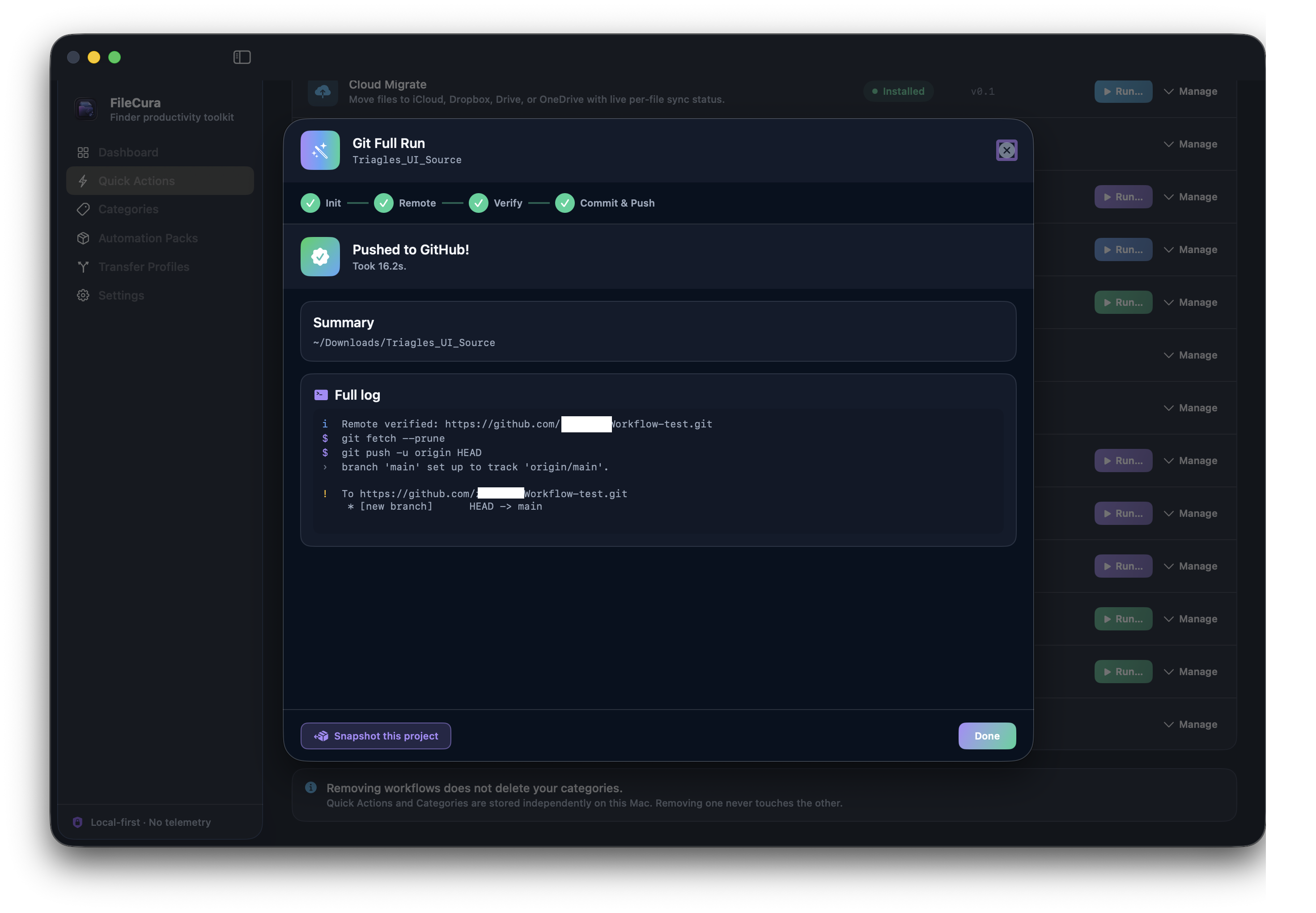
Bulk file moves done right — pre-flight planning, grouped conflict resolution, live iCloud sync tracking, ZIP / TAR.GZ archives, Hazel-style rule-based routing with saved profiles.

  • Smart Mover
  • Cloud Migrate
  • Archive Handler
  • Route by Config
View File Transfer Pack

How FileCura works.

Install once, configure your categories, then use FileCura from Finder whenever you need it.

Download and install the free app

Mount the signed and notarised DMG, drag FileCura to Applications, then launch it.

Quick Actions install automatically

On first launch FileCura copies its six free Finder Quick Actions into your user Services folder and enables them in Finder — no manual setup.

Create tag categories

Use the Categories section to define groups like Documents, Projects, Receipts, Legal — or your own workflow names.

Use Finder right-click

Select files or folders, right-click, then choose Quick Actions → pick a FileCura workflow.

Add packs when you need more

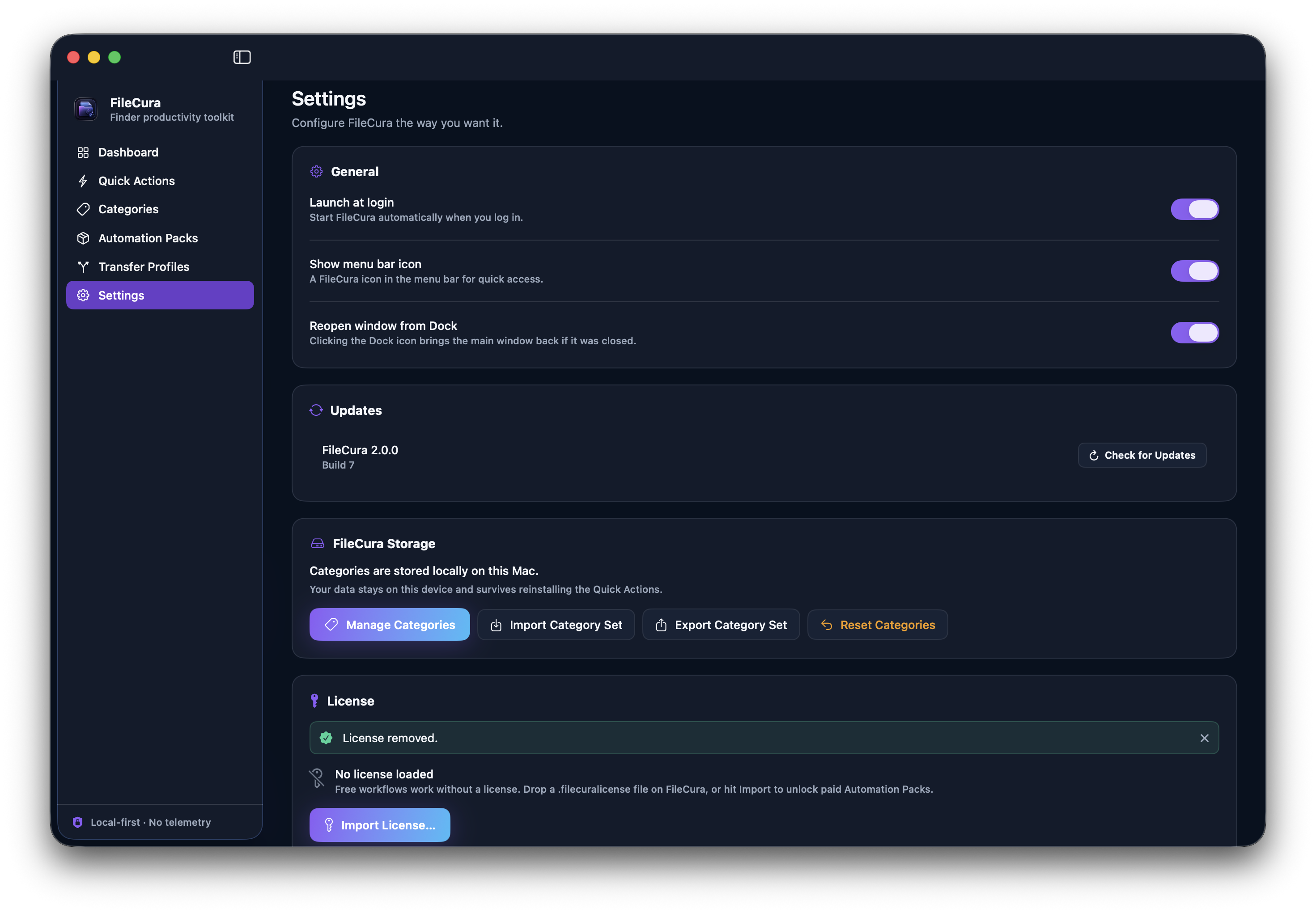
Buy a pack from filecura.com/packs — your license arrives by email within a couple of minutes. Drag it onto FileCura and the new workflows unlock instantly.

FileCura v2.0

Signed and notarised Developer ID DMG for macOS 14+, distributed outside the Mac App Store. The app is free; paid packs are optional add-ons.

macOS 14+ Finder Quick Actions Local-first Free download
Download DMG

By downloading you agree to FileCura's terms and privacy policy. The free app installs six Finder Quick Actions. Paid packs are separate one-time purchases — browse them here.

Support & setup help.

A few common questions. The full guide is on the Support page.

Quick Actions are not showing in Finder

FileCura auto-enables them on first launch, but if Finder doesn't show them, open System Settings → Login Items & Extensions → Quick Actions, then make sure the FileCura items are enabled. You may also need to relaunch Finder.

Where are my tag categories stored?

Categories live locally at ~/Library/Application Support/FileCura/categories.json. FileCura reads this file at runtime and never uploads it anywhere.

Does FileCura upload my files?

No. FileCura does not upload files, send telemetry, or require a cloud account. Everything runs on your Mac.

How do I remove the Quick Actions?

Open FileCura → Quick Actions tab → Remove FileCura Quick Actions. Your saved categories and licenses stay safe and aren't touched.

Why is macOS asking for Finder permissions?

Some Quick Actions need Finder automation permission to read or update Finder Comments for selected files. This is a one-time approval inside System Settings → Privacy.

Is FileCura in the Mac App Store?

Not yet. FileCura is distributed as a signed and notarised Developer ID DMG outside the Mac App Store.

Local-first by design.

FileCura is built around local Finder workflows. Your categories, files, and license stay on your Mac. Read the full privacy page →

No telemetry

FileCura does not collect usage analytics or send background telemetry of any kind.

No file uploads

FileCura actions operate on selected local Finder items. Files are not sent to any server.

No cloud account

FileCura does not require an account or sign-in to a cloud service. License files are local.

What's in v2.0.

The first commercial FileCura release. Full release notes →

FileCura v2.0

Six free Quick Actions, two paid packs, end-to-end signed pipeline.

Includes the FileCura app with six bundled Quick Actions (Category Tagging, Single Tag Selector, Text & Comment Tools, Smart Duplicate Scanner, Spotlight Path Refresher, Clean Duplicate Comments), a persistent local Categories store, integrity watchdog, runtime license gate, signed .filecurapack + .filecuralicense distribution, and notarised DMG.

Available packs: File Hygiene Pack (£9), Metadata Power Pack (£9), File Transfer Pack (£25). All three together: Complete Bundle (£29).